
When a chest awards a prize code, use it in the broker’s redemption area. Receiving it is one step; verifying completed redemption is the next.
Get the prize code
Copy the result’s code. If you closed it, check Mi perfil → Historial → Premios (My profile → History → Prizes). Use the code for the benefit you want to redeem.
| Code | Purpose |
|---|---|
| Emailed access code | Sign in to Rewards. |
| Chest code | Open the matching-level chest. |
| Prize code | Redeem the benefit in the broker. |
| Deposit bonus coupon | Apply a promotion while preparing a deposit, subject to its conditions. |
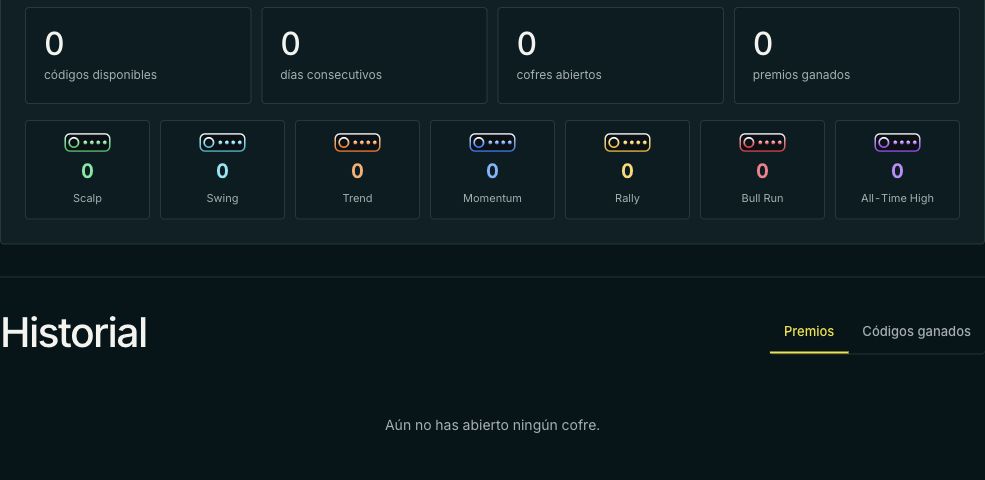
Open broker redemption
- Return to Worbit with the same account.
- Open Rewards at the top.
- Scroll to ¿Ya ganaste un premio? (Already won a prize?).
- Select Canjear premio (Redeem prize).
- Enter it under Código promocional (Promotional code).
- Select Validar (Validate) and read the details.
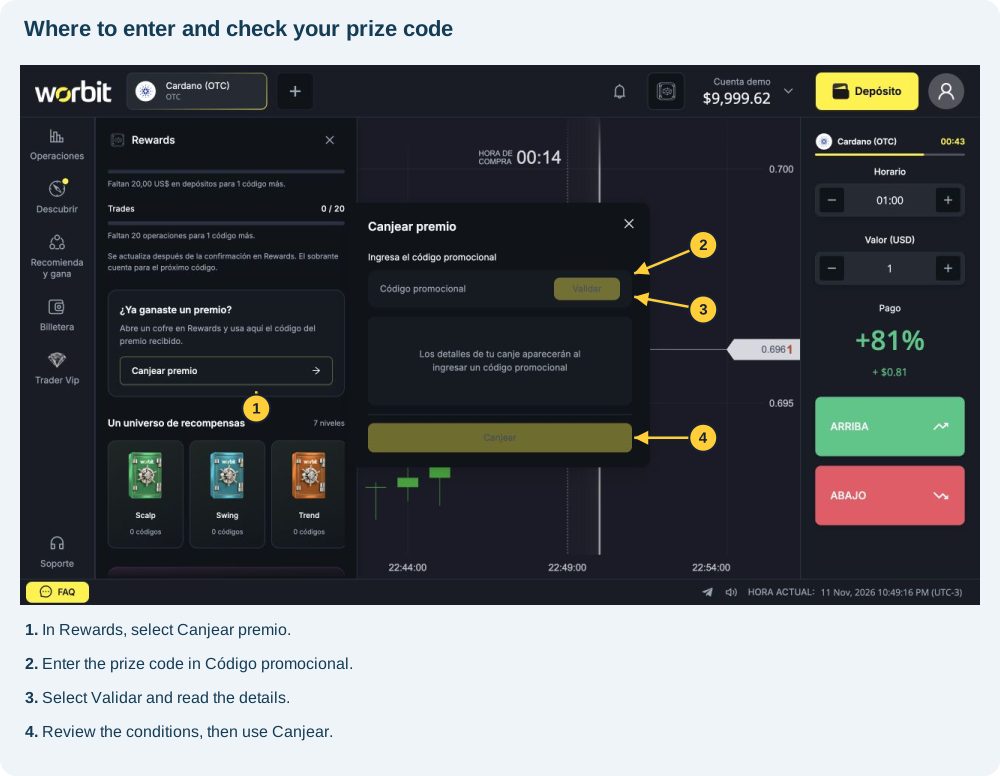
The image shows an empty form with Validar and Canjear (Redeem) disabled. It locates the controls, not a completed redemption.
Review before redeeming
Compare the displayed benefit with what you received. Read amount, duration, limits and conditions. If correct and enabled, select Canjear.
Watch timed benefits: the reviewed boosters state 60 minutes from redemption. Do not assume the clock starts with your next trade.
Verify completion
Read the response and check the benefit. It may be a booster, limited protection, upgrade or code rather than money. Balance is therefore not the only indicator.
If an error or uncertainty remains, record the message and ask support before repeating. Do not deposit to enable redemption without an explicit prize condition.
See also: bonus coupons · Rewards access · code problems · prize types.
References: official guide, chests and broker panel, consulted on 11 November 2026.