
Codes open Rewards chests. The programme considers real-account activity, not demo. You can track some progress in the broker before visiting Rewards.
Check broker progress
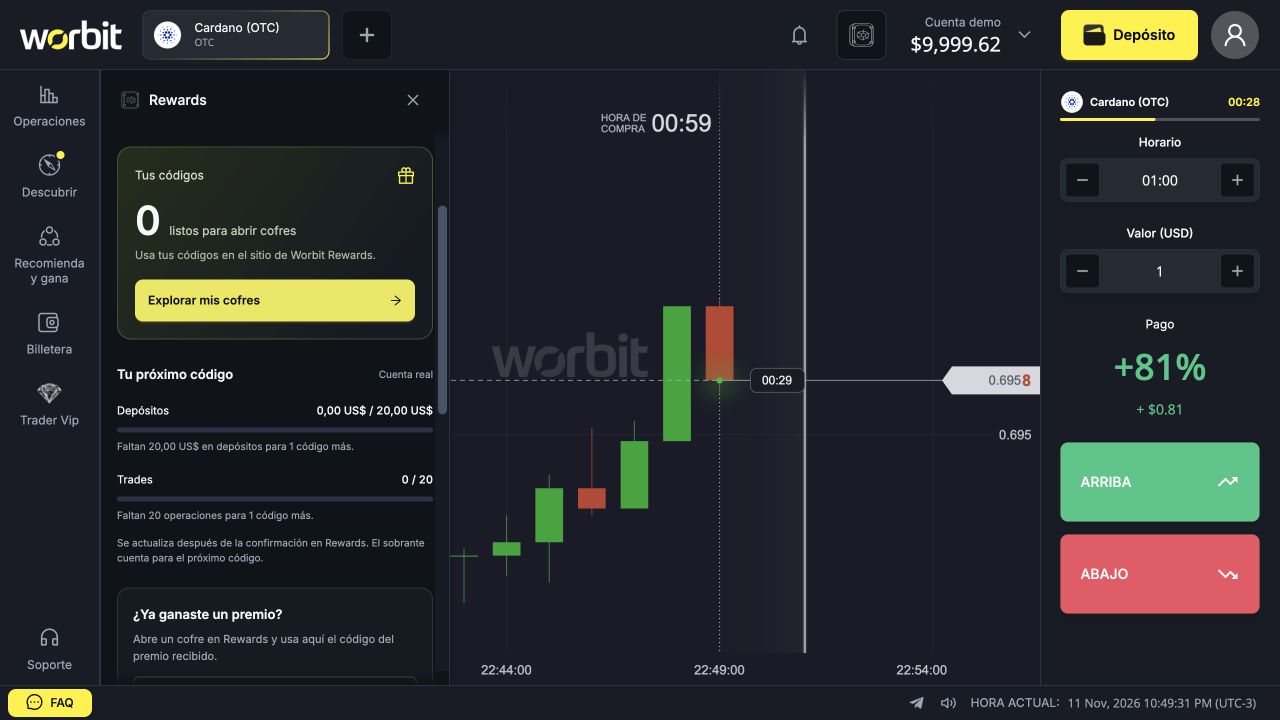
- Open Rewards at the top.
- Check Tus códigos (Your codes).
- Scroll to Tu próximo código (Your next code).
- Check Depósitos (Deposits) and Trades separately for progress and what remains.
- Use Explorar mis cofres (Explore my chests) to visit the site.
Ways to earn codes
| Source | Published rule | Example |
|---|---|---|
| Deposits | 1 code per accumulated 20 USD; the remainder is kept. | 15 USD + 25 USD = 40 USD: 2 codes. |
| Trades | 1 code per 20 trades of any amount, with a win or loss. | 25 trades: 1 code and 5 towards the next count. |
| Consecutive days | Logging in and making at least 1 real trade that day counts towards the streak. | 7 days award 1 code; other milestones award different quantities. |
| Ranking | The top three receive 20, 10 and 5 codes. | Type depends on the competition. |
These examples explain counting; you do not need to increase activity to reach a code. The panel says data updates after confirmation in Rewards.
Check the streak
Open Actividad (Activity). Published milestones: day 7, +1; 14, +2; 21, +3; 30, +4; and days 60, 90, 120, 150 and 180, +10 each. Another cycle starts after day 180.
At 30, 60 and 90 consecutive days, new codes become Swing, Trend and All-Time High, respectively. The guide says the unlocked level is retained. Missing a day resets the streak to zero, but earned codes remain within their validity period.
Check codes in your profile
- Open Mi perfil (My profile).
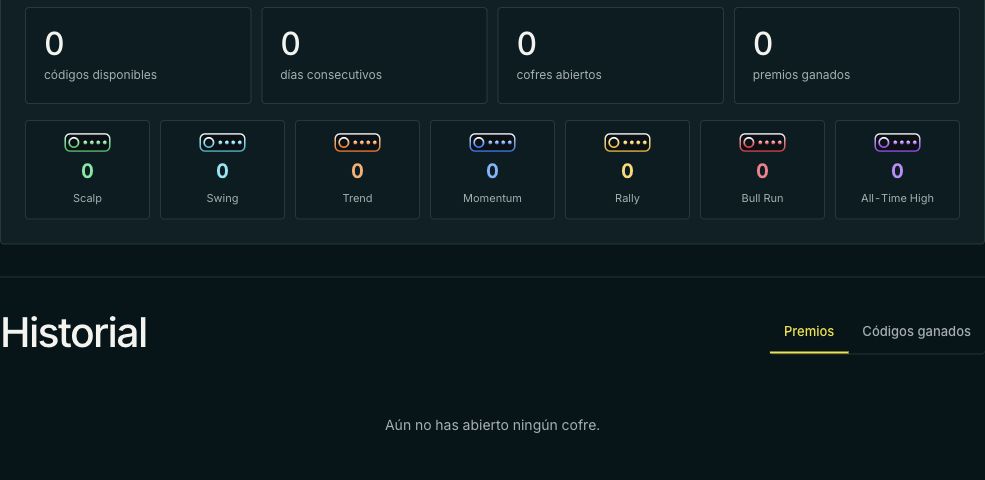
- Check códigos disponibles (Available codes) and quantities per chest.
- Scroll to Historial (History).
- Select Códigos ganados (Earned codes) for records.
- Premios (Prizes) shows outcomes and prizes, a separate view.
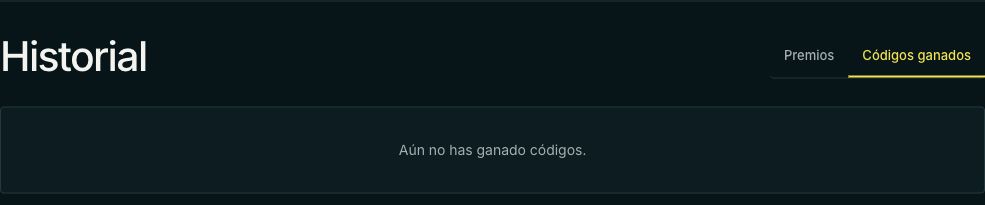
Aún no has ganado códigos means “You have not earned any codes yet”. It is an empty state, not a sign-in error or invalid-code message.
Check type and validity
Each code opens a chest of the same level or colour. Opening codes are valid for three days; check your account’s details. This differs from the duration of a redeemed benefit such as a booster.
I completed the count but no code appeared
Confirm the account and use of real funds. Compare records with the correct counter and check again after Rewards confirms activity. If it persists, send support the period, identifiers and counter screenshot. The guide gives no synchronisation timeframe that would justify promising immediate credit.
See also: missing codes · Rewards access · opening a chest · code problems · ranking scores or prizes.
References: official guide, chests and broker panel, consulted on 11 November 2026.