
Incoming and outgoing payments appear in your wallet history. You can filter by period and transaction type to find what you need.
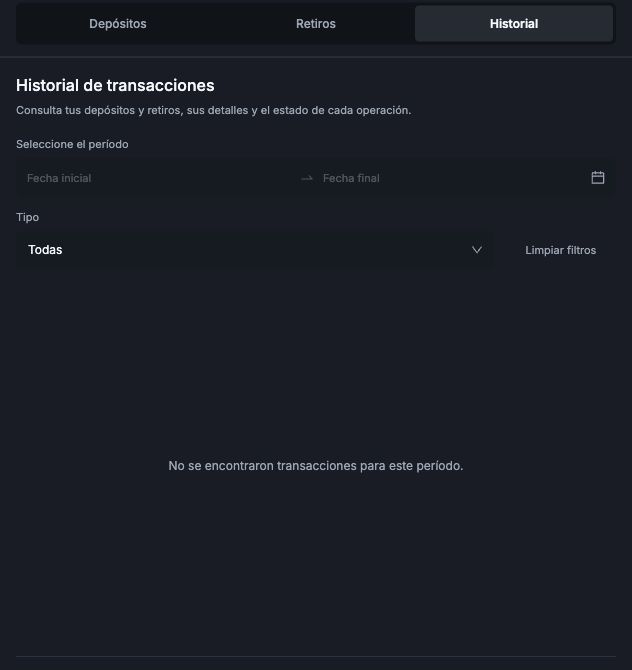
- Open Cartera in the bottom menu, or Billetera in the wider navigation layout. Both mean Wallet.
- Select Historial (History). The screen will display Historial de transacciones (Transaction history).
- Choose a date range in the period fields.
- Use Tipo (Type) to filter for the transaction type you need.
No records showing? Make sure the dates include the day you made the payment or requested the withdrawal. You can also select Limpiar filtros (Clear filters) and search again.
No se encontraron transacciones para este período means that no transactions were found for the selected period. If you made a payment and still cannot find it, contact support at support@worbit.io.
I want to track a withdrawal
Choose a period that includes the request date and use Tipo to find withdrawals. If the record does not appear, select Limpiar filtros and search again. If you still cannot find it, give support the request date, amount and method.
Withdrawal approval and arrival in the destination wallet are separate stages. See approval and receipt times. If the request is already marked as completed but the money has not arrived, see how to ask support to check receipt of the funds.